Recording Prototype Comments Without Conflicting Instructions
Record fixture prototype feedback in one numbered comment register, separate suggestions from authorised changes, and resolve disagreements before releasing instructions to the supplier.
- Published
- 2026-10-26
- Updated
- 2026-10-26
- Reading time
- 6 minutes

Record fixture prototype feedback in one numbered comment register, separate suggestions from authorised changes, and resolve disagreements before releasing instructions to the supplier. Each decision should identify the specimen, drawing revision, affected feature and person entitled to approve it.
Three decisions to carry into your project.
- 01
Define the review package and decision owner
- 02
Capture one issue per record
- 03
Use statuses that explain the next action
Start with the decision
Record fixture prototype feedback in one numbered comment register, separate suggestions from authorised changes, and resolve disagreements before releasing instructions to the supplier. Each decision should identify the specimen, drawing revision, affected feature and person entitled to approve it. A message arriving later does not automatically cancel an earlier approval.
For a toy retailer, the practical question is whether the supplier can tell exactly what to build next. A merchandising preference, maintenance concern and purchasing constraint may all be reasonable yet point toward different changes. This guide provides an editorial working method for coordinating those views. It is not a technical certification or a substitute for the project's agreed approval responsibilities.
Define the review package and decision owner
Before collecting feedback, list the prototype identifier, drawings and revisions, finish references and review date. Include any known differences between the specimen and intended production configuration. Ask reviewers to comment on that same package; observations made against an earlier sample must retain their original reference.
Appoint a coordinator to assemble feedback and a release owner to authorise the resulting instruction. These may be the same person in a small project, but coordination alone does not confer engineering authority. Identify who must decide questions about electrical work, stability, access or other specialist matters. Purchasing should not settle an unresolved technical question simply to close a spreadsheet row.
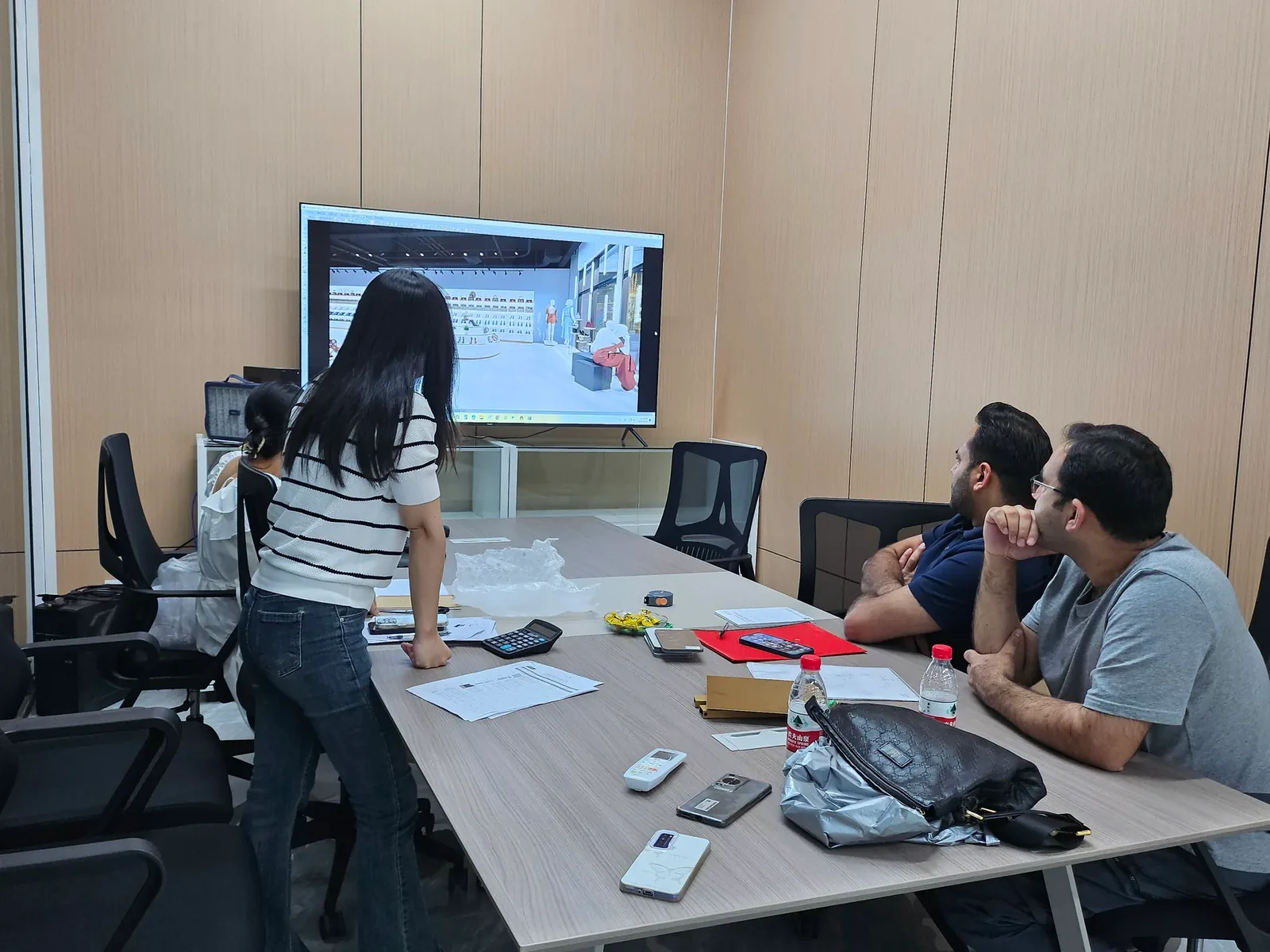
Use the prototype test brief to establish what was meant to be reviewed. Keep the comment register focused on findings and decisions from that review, rather than silently expanding the accepted scope.

Capture one issue per record
Give each issue a stable identifier, such as PC-014. Record who raised it, when, the precise location and supporting photograph or drawing annotation. Keep the original wording alongside a clear consolidated description. If a reviewer says only “make this cleaner,” ask which visible feature needs changing and what outcome they expect.
Separate the observation from the requested solution. “A price label cannot be read from the normal viewing position” describes a problem. “Move the shelf” proposes one response. The supplier may identify another solution that preserves adjacent clearances. Recording both statements prevents a tentative idea from becoming an unintended fabrication order.
For a live video review, attach the relevant still or recording reference where permission allows. If the evidence is incomplete, state what remains unknown. A confident comment cannot compensate for a feature that nobody actually observed.
Use statuses that explain the next action
The following register structure is an original suggested working tool. Agree the terms with the supplier; they are not universal contractual approval codes.
See the decision table below for the working record.
An issue can be open, awaiting clarification, awaiting a decision, approved for implementation, awaiting verification or closed. Distinguish a rejected proposal from a completed correction. Neither a supplier's acknowledgement nor a reviewer clicking “resolved” proves that the physical result has been checked.
Reconcile competing comments before sending a release
Group comments by feature and examine them together. Two requests may be duplicates, compatible refinements, alternatives or direct conflicts. Preserve the original IDs when merging duplicates so reviewers can still trace their feedback. Link related issues instead of copying slightly different instructions into several rows.
For each conflict, state the purchasing decision in plain language: what benefit is sought, what constraint could be affected and what information is missing. Ask the appropriate parties to evaluate the options. Request revised drawings or other suitable evidence when a proposed solution changes an interface; do not assume that a visually attractive adjustment is technically acceptable.
Agree the cost and timing consequences separately when relevant. An approved appearance preference does not, by itself, approve an additional charge or revised delivery commitment. Reference the commercial decision in the same record so the supplier is not left guessing whether work may proceed.
Illustrative example: header size versus service access
Assume a hypothetical collectible cabinet has a removable header panel. A brand reviewer requests a larger illuminated logo, while an operations reviewer asks for easier access to the lighting components. These are assumed review comments, not a BENSON customer case or an approved construction detail.
The coordinator records PC-014 for logo visibility and PC-015 for service access, both against the same prototype revision. Instead of forwarding “enlarge the logo” and “reduce the header” as simultaneous instructions, the coordinator links the records and requests an option showing both the visible face and the proposed access arrangement.
The responsible technical reviewer checks the service approach and any electrical implications. The brand reviewer assesses the proposed appearance. Purchasing confirms any agreed commercial impact. Until those decisions are documented, the affected header remains on hold; unrelated accepted details can proceed only if the release owner explicitly defines that scope.
After approval, one consolidated instruction identifies the accepted drawing revision and links both issue IDs. The supplier confirms receipt of that release. The closure record then identifies the evidence needed to verify the change. It does not report success merely because a revised drawing has been uploaded.
Preserve history when a decision changes
Do not erase a previous approval when a later request replaces it. Mark the earlier instruction as superseded, identify the replacement and record when the new decision takes effect. Ask whether purchasing, fabrication or sample work has already started under the earlier release before assuming the change is straightforward.
NASA's configuration-management guidance describes identifying controlled versions, evaluating proposed changes and recording their disposition. Those general principles help explain why a traceable decision history matters. This article adapts the idea to a simple fixture-review register; it does not apply NASA procedures to retail fixtures or imply NASA endorsement.
Send a concise release and verify closure
Send one release message listing the current documents, approved issue IDs, remaining holds and responsible contacts. Ask the supplier to identify any mismatch between that package and the files available to its workshop. Keep chat and email available for discussion, but transfer decisions back into the agreed register before treating them as instructions.
Before closing the review, compare the revised package with each approved action. Record unresolved items, rejected requests and work outside the agreed scope explicitly. For custom toy store fixtures, confirm whether a decision applies to one cabinet, a fixture family or the entire store. Discuss the review and release responsibilities through design and engineering before the next sample is commissioned.
Compare one controlled basis.
How we apply this decision.
Send one release message listing the current documents, approved issue IDs, remaining holds and responsible contacts. Ask the supplier to identify any mismatch between that package and the files available to its workshop. Keep chat and email available for discussion, but transfer decisions back into the agreed register before treating them as instructions.
Review BENSON capabilities →What still needs project confirmation.
Use the actual site, merchandise and supplier information to confirm the project-specific arrangement. Illustrative examples do not establish technical suitability.
Prepare the required inputs →Avoid these shortcuts.
- Treating a reference image as an approved production specification.
- Comparing suppliers without identical dimensions, quantities and delivery scope.
- Separating material, lighting or hardware decisions from the drawing revision.
- Leaving packing, local installation and site interfaces undefined.
Before the next approval.
- Define the review package and decision owner
- Capture one issue per record
- Use statuses that explain the next action
- Record each open point, owner, due date and required evidence.
Trace the supporting information.
NASA: 6.5 Configuration Management ↗Further reading referenced in this guide.
Content review policyUpdated 2026-10-26. AI-assisted buyer guidance; no independent technical review is claimed.
Move from research to a project decision.
Keep building the specification.

Reviewing a Fixture Prototype by Live Video
Review a fixture prototype by live video using an agreed viewing sequence, identifiable specimen and written observation record. The camera should connect each requested view to a specific purchasing question.
Read next →
Writing a Prototype Test Brief for a Collectible Cabinet
A collectible-cabinet prototype test brief should connect each purchasing question to a named specimen, controlled setup, review method, acceptance basis and decision owner. Write those fields before the sample is built.
Read next →
Comparing Material Samples with Full-Size Fixture Prototypes
Use a material sample to approve a defined surface or material reference, and use a full-size fixture prototype to review the assembled relationships that a small sample cannot show. Keep the two approvals separate.
Read next →Get a project-specific recommendation.
Send your store plan, product sizes, fixture quantities, destination and opening target. BENSON will identify the product fit, engineering inputs and quotation basis.
Start Your Display Project