Comparing Warm and Neutral Display Lighting with Real Merchandise
Compare lighting with the actual products, packaging, glass and finishes that shoppers will see.
- Published
- 2026-10-22
- Updated
- 2026-10-22
- Reading time
- 5 minutes
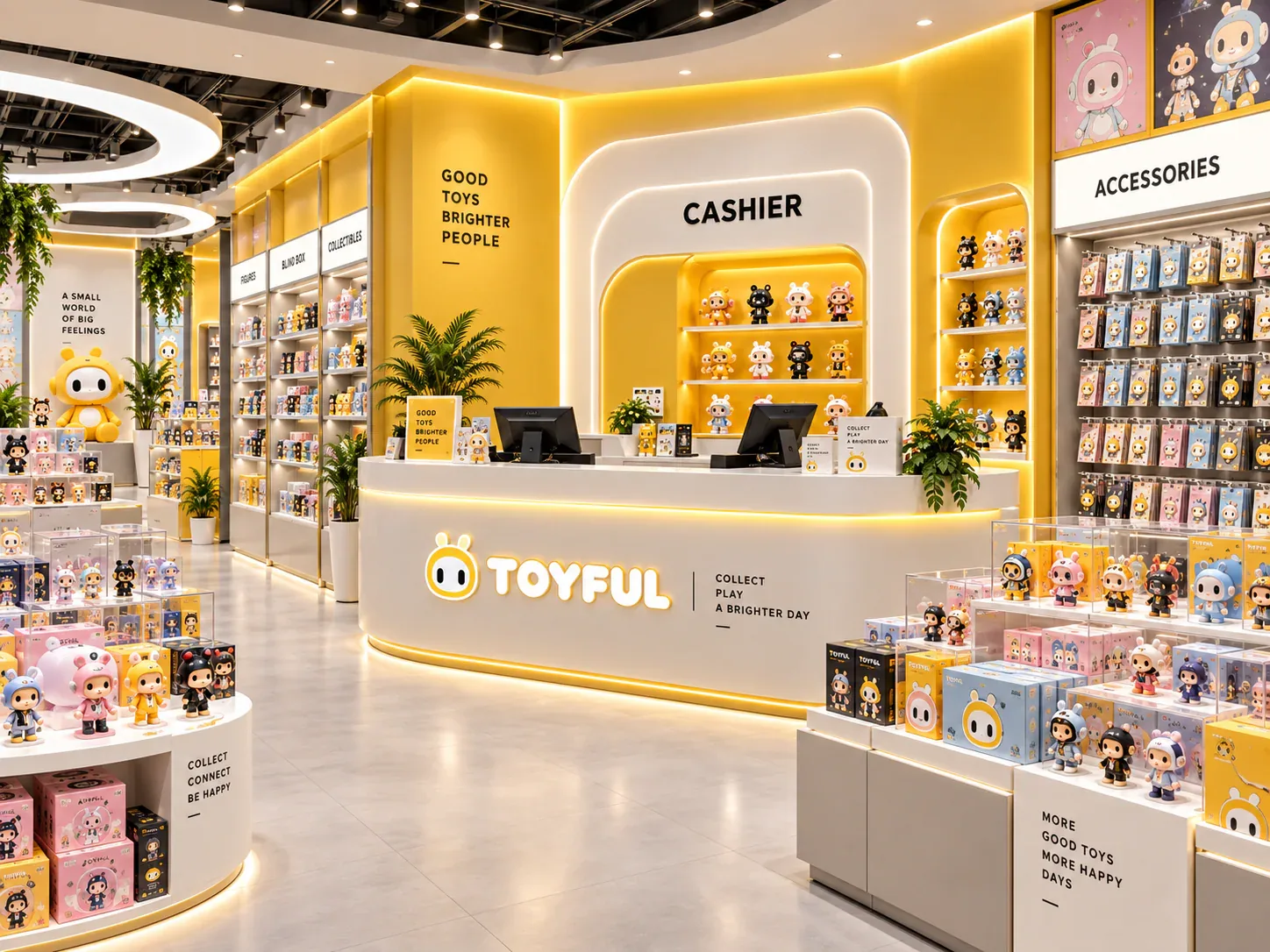
Compare lighting with the actual products, packaging, glass and finishes that shoppers will see. Warm and neutral are starting descriptions, not approval results.
Three decisions to carry into your project.
- 01
Separate light appearance from merchandise appearance
- 02
Assemble a useful comparison set
- 03
Use one comparison record for each candidate
Start with the decision
Compare lighting with the actual products, packaging, glass and finishes that shoppers will see. Warm and neutral are starting descriptions, not approval results. A useful comparison records the light source, viewing conditions, merchandise and decision criteria so the preferred appearance can be reproduced in the final cabinet.
This guide describes a visual comparison workflow for collectible retail. It does not establish a universal best color temperature, certify electrical components or predict product fading. All examples are illustrative. Electrical suitability and any conservation requirement need their own project-specific review.
Separate light appearance from merchandise appearance
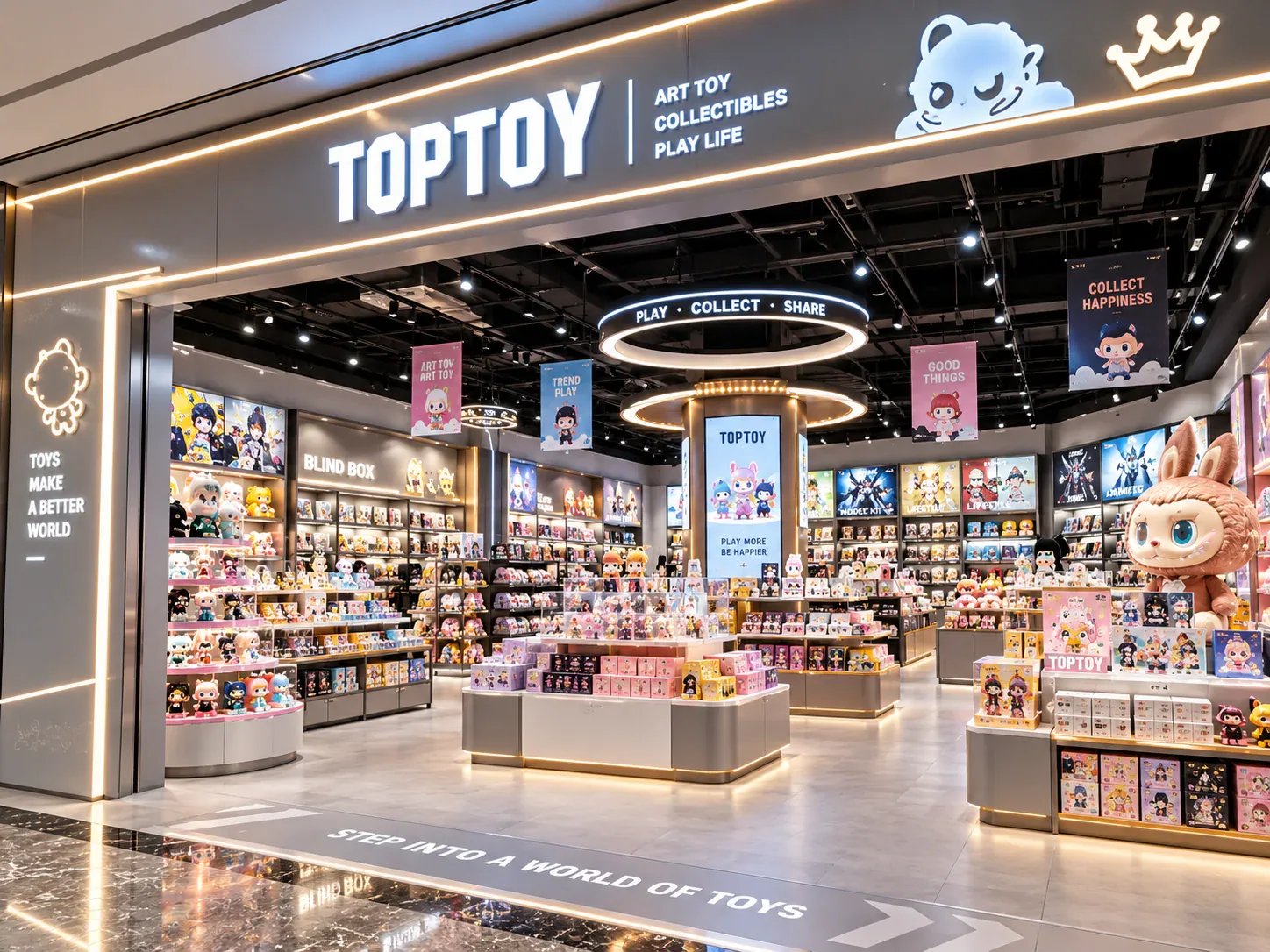
Correlated color temperature describes an aspect of the apparent color of white light. It does not by itself describe how every painted figure, printed carton or metallic surface will appear. Two products with the same stated color temperature can still produce a different visual result on merchandise.
The US Department of Energy distinguishes source color appearance from the effect of light on object colors and discusses color-rendering measures. Use that distinction to request more than a warm or neutral label. Ask for the exact proposed component and available technical information, then judge the merchandising result in a representative arrangement.
Avoid making the comparison a contest between brighter and dimmer samples. If one arrangement makes the merchandise much more conspicuous simply because the output or beam position differs, the buyer has changed several variables at once. Record those differences before attributing the preference to color temperature alone.
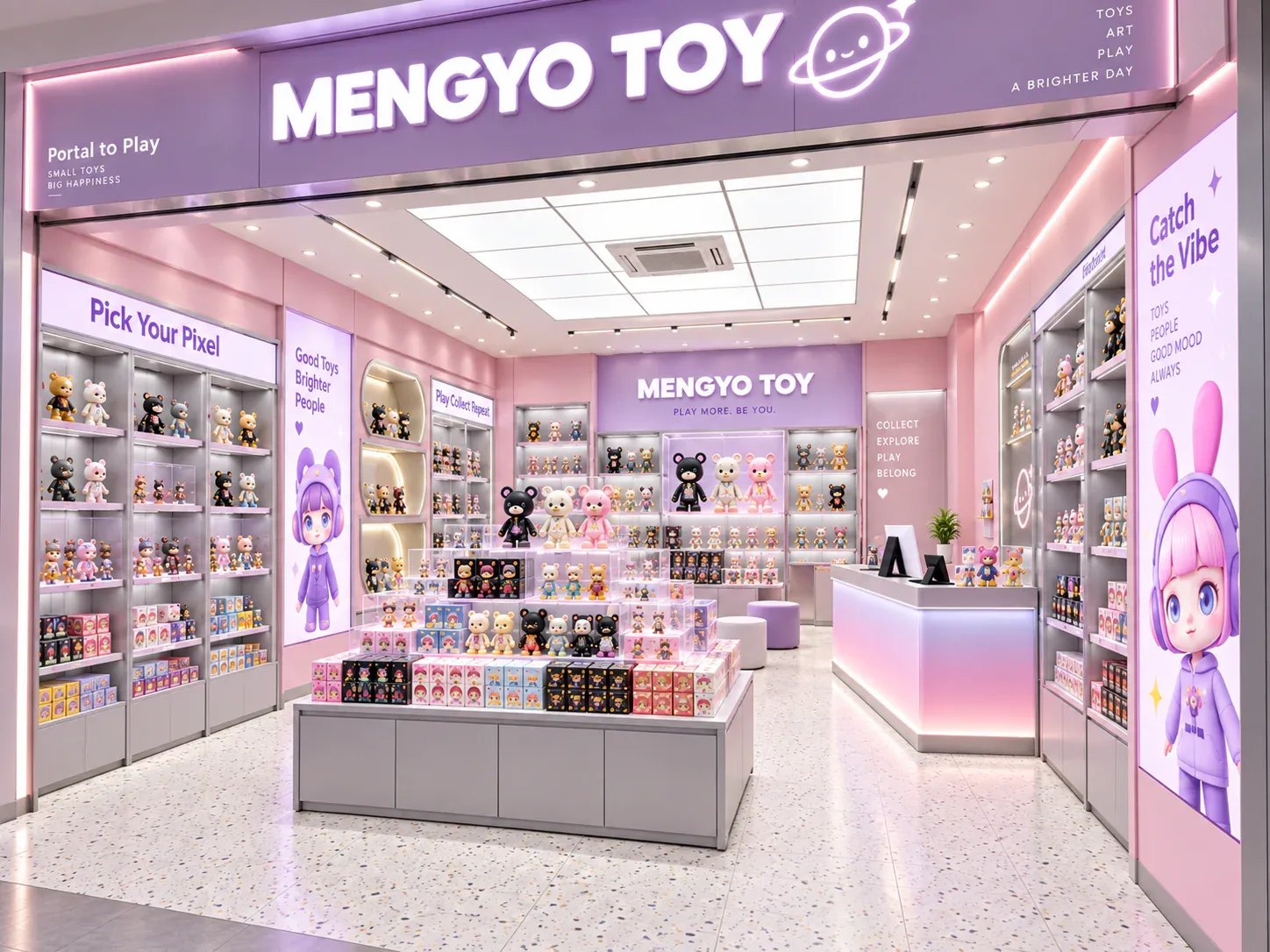
Assemble a useful comparison set
Choose merchandise that challenges the intended presentation: a light-colored figure, a dark figure, a saturated printed box and a reflective or translucent surface if those products are sold. Include the real bases and any protective packaging. A plain white sample cannot stand in for the full assortment.
Use the intended shelf finish and glass where possible. Reflections, colored backgrounds and nearby graphics can influence what a reviewer notices. Mark substitutions clearly: an open test shelf does not reproduce the reflections of a closed glass cabinet.
Set up viewing positions matching the store. A light that looks comfortable straight ahead may be conspicuous from a lower angle or reflected in the door. Check the staff retrieval position too. The team should be able to identify products and work without the comparison being limited to the most flattering photograph.
Use one comparison record for each candidate
See the decision table below for the working record.
Record the reviewers and the reason for the preference. Instead of saying premium, note whether dark accessories remain distinguishable, pale faces look acceptable, printed labels remain readable or reflections obscure details. These observations help the supplier make a controlled adjustment rather than guessing what the buyer meant.
Run an illustrative side-by-side review
Imagine a collectible cabinet carrying pale character figures and colorful sealed boxes. The buyer compares a warmer candidate with a neutral candidate using the same shelf, products and proposed door glass. The review finds that one better suits a branded background, while another makes the printed carton differences easier to distinguish.
Neither observation means that every cabinet in the store should use the winning sample. The loose figures and sealed boxes may occupy different zones. The buyer can test a consistent solution for each zone, then examine the transition between them. This is a merchandising decision rather than a claim that a particular number guarantees accurate color.
Before choosing separate sources for separate zones, review the view across the store. Adjacent cabinets can look inconsistent when their sources are different even if each looked acceptable in isolation. Record the accepted arrangement and the circumstances under which an alternative component must be resubmitted.
Check photography without approving from photographs alone
Phone cameras and automatic white balance can change the apparent comparison. A photograph is useful for documenting the arrangement and the position of reflections, but it should not be treated as a precise replacement for viewing physical samples. If a remote review is unavoidable, record camera settings where possible and keep a known reference in the scene.
Ask the reviewer to distinguish an in-person judgment from an image-based one. Do not describe a remote approval as a measured color test unless an appropriate measurement was actually performed. Retain physical control samples or a component reference so later production does not depend on recreating a look from a compressed image.
The lighting review can also reveal a positioning problem. Moving the light, adjusting diffusion or changing a shelf edge may improve visibility more than selecting another nominal color temperature. Change one variable at a time and record the resulting decision.
Include maintenance and replacement in approval
Confirm where the driver, connectors and removable modules will be located. A preferred visual result loses practical value if a failed component cannot be serviced without removing neighboring cabinets. Record the replacement reference and whether a substituted component requires another appearance review.
Destination voltage, plug, wiring and any required component or system approval must be coordinated with the responsible installer. A successful visual mock-up does not certify those matters. Similarly, good appearance does not establish UV filtering or long-term protection for sensitive collectibles.
Complete an order-ready lighting instruction
Attach the chosen component information, setting, arrangement photographs and review comments to the fixture drawing. Identify unresolved questions and the person who can approve a replacement. Include the conditions used for the comparison rather than retaining only the preferred warm or neutral description.
Use the LED cabinet specification record, collectible cabinet planning guide and site power survey to connect appearance with engineering and installation. The desired result is a repeatable merchandising decision supported by real products and serviceable details.
Compare one controlled basis.
How we apply this decision.
Attach the chosen component information, setting, arrangement photographs and review comments to the fixture drawing. Identify unresolved questions and the person who can approve a replacement. Include the conditions used for the comparison rather than retaining only the preferred warm or neutral description.
Review BENSON capabilities →What still needs project confirmation.
Use the actual site, merchandise and supplier information to confirm the project-specific arrangement. Illustrative examples do not establish technical suitability.
Prepare the required inputs →Avoid these shortcuts.
- Treating a reference image as an approved production specification.
- Comparing suppliers without identical dimensions, quantities and delivery scope.
- Separating material, lighting or hardware decisions from the drawing revision.
- Leaving packing, local installation and site interfaces undefined.
Before the next approval.
- Separate light appearance from merchandise appearance
- Assemble a useful comparison set
- Use one comparison record for each candidate
- Record each open point, owner, due date and required evidence.
Trace the supporting information.
US Department of Energy: LED basics ↗Further reading referenced in this guide.
Content review policyUpdated 2026-10-22. AI-assisted buyer guidance; no independent technical review is claimed.
Move from research to a project decision.
Get a project-specific recommendation.
Send your store plan, product sizes, fixture quantities, destination and opening target. BENSON will identify the product fit, engineering inputs and quotation basis.
Start Your Display Project