Choosing Shelf Dividers for Mixed Blind Box Series
Shelf dividers should keep the planned product groups understandable while allowing staff to replenish and change the assortment.
- Published
- 2026-09-08
- Updated
- 2026-09-08
- Reading time
- 8 minutes
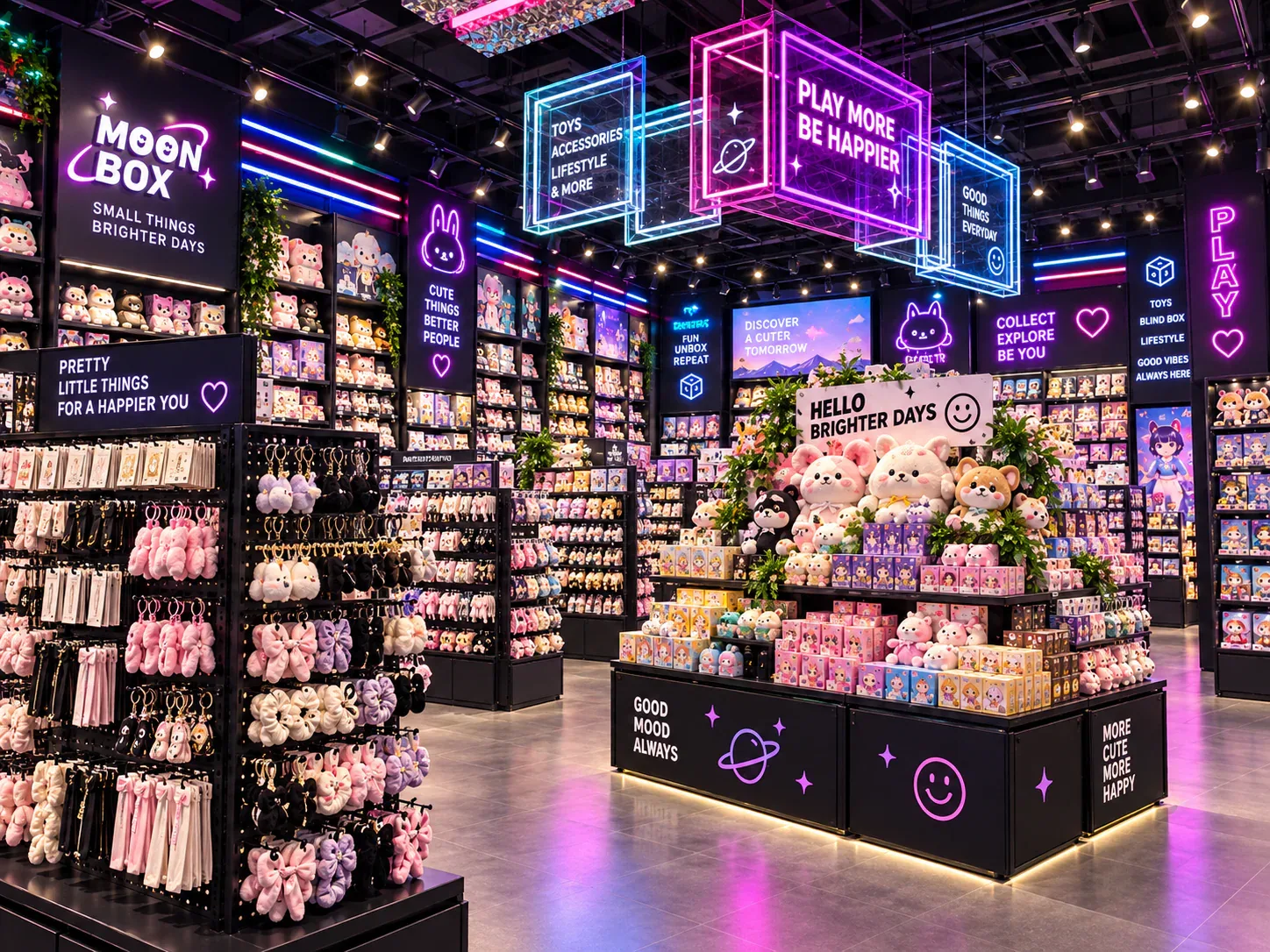
Shelf dividers should keep the planned product groups understandable while allowing staff to replenish and change the assortment. A divider that looks neat in an empty cabinet may consume useful space, obscure packaging or become inconvenient when a new box format arrives.
Three decisions to carry into your project.
- 01
Decide what the divider must separate
- 02
Measure the packages and usable shelf area
- 03
Review height and visibility
Start with the decision
Shelf dividers should keep the planned product groups understandable while allowing staff to replenish and change the assortment. A divider that looks neat in an empty cabinet may consume useful space, obscure packaging or become inconvenient when a new box format arrives. Choose it through a product-and-operation review rather than treating every shelf as a grid of identical lanes.
Prepare a divider requirements sheet covering the packages, intended group boundaries, attachment method and changeover tasks. Test the proposed component with representative stock and labels. The sheet supports selection and coordination; it does not establish the technical suitability of an unverified accessory or replace the supplier's instructions for the actual shelf system.

Decide what the divider must separate
The divider may separate series, package formats or another defined merchandising group. State that purpose first. A physical boundary is useful only when the store knows what belongs on each side and how the customer-facing information explains it.
Keep the group definition consistent with the stock arrangement. If different series are mixed behind the front row, a divider between front positions may not resolve the information problem. The depth allocation and labels should describe the same intended grouping.
Do not assume every product needs its own lane. A broader zone may suit a coherent group, while individual separation may help a different task. Compare the actual selection and replenishment process rather than maximising the number of dividers simply because they are available.
Measure the packages and usable shelf area
Use the actual sale-box dimensions and orientation. Record the formats expected in each zone and identify likely changes supplied by the business. A divider arrangement based on one compact package can be difficult to reuse if later boxes have different widths or depths.
Ask the supplier how the component affects usable space. The divider itself and its attachment can occupy part of the shelf or interact with a front label holder. The capacity calculation should reflect the complete proposed arrangement rather than the bare shelf dimensions.
Keep geometric fit separate from ease of use. A box may fit between two boundaries while selection or replenishment remains awkward. The product trial should include the actual task and the relevant components, not just confirm that the package can be inserted once.
Review height and visibility
The divider should be assessed with the package graphics and viewing positions. A component may separate stock physically while hiding information that customers need to identify the series. The appropriate height and visual treatment depend on the actual presentation.
Use a stocked mock-up or sample to review the result. Include the shelf level and neighbouring merchandise where they affect the view. A close-up of one lane can conceal the visual competition created by a whole bank of divided products.
Avoid assuming that a transparent component is invisible in use. Its edges, reflections or condition may affect the presentation, and the buyer should review the actual material and finish proposed. This is a visual and maintenance observation, not a claim about every transparent divider.
Understand the attachment method
Ask how the divider is intended to connect to the shelf and which shelf configuration it is designed for. The buyer should know whether it is fixed, repositionable or part of a coordinated system, and what the actual instructions permit.
Do not improvise an attachment because a sample appears to fit another cabinet. Surface finish, geometry and the intended operation can differ. The supplier should confirm compatibility and provide the relevant product information for the proposed arrangement.
Record how staff will reposition or remove the component during a series change. If the task requires tools, access or a particular sequence, include that in the operating comparison. A component described as flexible should have a defined method of adjustment that the store can actually maintain.
Connect the divider to the label system
The physical boundary and the label should identify the same group. Review where the label sits when the divider moves and how staff update it. An adjustable divider can create confusion if the price or series information remains fixed in an old position.
Include the intended label holder in the product trial. It may affect the usable front edge or the customer's view of the packages. The supplier should show how the two components work together in the actual shelf system.
Keep commercial information under the retailer's control. The divider can help define a zone, but the product identity, purchase unit and price shown must come from the business's verified information. Physical separation does not correct an inaccurate label.
Compare fixed zones with adjustable lanes
Fixed zones can support a stable assortment and a consistent visual arrangement. Their limitation is that a later package change may not match the available space. The buyer should identify how stable the expected formats really are before choosing that constraint.
Adjustable lanes can support a defined range of arrangements, but they require a reliable changeover process and compatible components. Review how staff establish the new positions, update labels and check the resulting capacity. Adjustment should be a documented operation rather than trial-and-error placement during trading.
A mixed strategy may keep stable boundaries between major groups while allowing adjustment within them. Compare it against the actual assortment-change plan. The purpose is to provide the flexibility the store expects to use, not an undefined promise of unlimited configurations.
Use a divider selection table
The following table records the evidence needed to compare proposed components. Add the actual package references, product information and trial observations.
See the decision table below for the working record.
Include a status for unresolved compatibility questions. A visually preferred sample should not be treated as selected until the relevant fixture relationship has been confirmed. The table helps distinguish appearance acceptance from suitability for the intended shelf.
Test selection and replenishment
Fill the proposed zones with representative packages and ask staff to demonstrate replenishment. Then remove stock in plausible selection patterns and review whether the boundaries remain useful. Record any tendency for the arrangement to become unclear or difficult to restore.
Test a change from one package width to another if that is part of the brief. The trial should include repositioning the divider and updating the corresponding labels. A successful static fit does not establish that a series change is quick or understandable.
Keep observations specific. If a package is difficult to identify, record which component or relationship causes the problem. The response may involve a different boundary, label position or product allocation rather than a different divider material alone.
Review a mixed-width shelf scenario
Consider a hypothetical blind-box retailer displaying two series with different package widths. The initial proposal uses equal lanes because the cabinet looks orderly that way. One series leaves unused space, while the other does not fit the intended allocation comfortably under the actual presentation method.
The divider requirements sheet records the two formats and the grouping task. The supplier shows a fixed-zone option and a compatible adjustable arrangement. The team calculates usable capacity with the components included and trials selection, replenishment and a series change.
The owner also checks how the labels move with the boundaries. An option that fits the boxes but leaves information associated with the wrong zone is revised before selection. The chosen arrangement is recorded with the applicable component and shelf references.
This illustrative example does not endorse a specific divider product or attachment. It shows how package fit, information and the changeover task belong in one decision rather than being considered separately after purchase.
Plan replacement and storage of spare components
Include a configuration reference when the store uses more than one shelf system. Two dividers can look similar while belonging to different fixtures or attachment arrangements. Staff should be able to identify the correct component without testing an uncertain fit on the sales floor. A labelled spare-parts location or a simple reference sheet can support that task, provided it matches the supplier's actual component information.
Review what happens when a divider is temporarily unavailable. The store may need to revise the product allocation or use another confirmed arrangement rather than leaving a misleading boundary in place. Record who decides the interim presentation and who checks the labels. This keeps the merchandising task understandable while a replacement is obtained, without encouraging an improvised accessory that has not been confirmed for the shelf.
If staff remove dividers for a different configuration, identify where the spare components are kept and how they remain associated with the shelf system. Unlabelled parts can be difficult to distinguish when several fixtures use similar accessories.
Ask the supplier for the component reference and relevant replacement information. Do not rely only on a photograph if the exact size or attachment matters. Keep the information with the fixture record so the store can request the correct part later.
For blind-box display cabinets, include the divider selection table in the enquiry. It gives the supplier a clear account of the product groups, package range and operating changes the accessory must support.
Compare one controlled basis.
How we apply this decision.
Include a configuration reference when the store uses more than one shelf system. Two dividers can look similar while belonging to different fixtures or attachment arrangements. Staff should be able to identify the correct component without testing an uncertain fit on the sales floor. A labelled spare-parts location or a simple reference sheet can support that task, provided it matches the supplier's actual component information.
Review BENSON capabilities →What still needs project confirmation.
Use the actual site, merchandise and supplier information to confirm the project-specific arrangement. Illustrative examples do not establish technical suitability.
Prepare the required inputs →Avoid these shortcuts.
- Treating a reference image as an approved production specification.
- Comparing suppliers without identical dimensions, quantities and delivery scope.
- Separating material, lighting or hardware decisions from the drawing revision.
- Leaving packing, local installation and site interfaces undefined.
Before the next approval.
- Decide what the divider must separate
- Measure the packages and usable shelf area
- Review height and visibility
- Record each open point, owner, due date and required evidence.
Trace the supporting information.
Content review policyUpdated 2026-09-08. AI-assisted buyer guidance; no independent technical review is claimed.
Move from research to a project decision.
Keep building the specification.

Calculating Blind Box Shelf Capacity from Real Packaging Sizes
Blind-box shelf capacity should be calculated from the usable shelf space and the packages that will actually occupy it. Outside cabinet dimensions, catalogue photographs and a general label such as “small box” are not enough.
Read next →
Comparing Open Shelves and Staff-Assisted Blind Box Sales
Open selection and staff-assisted sales create different relationships among the customer, stock and service point. With open shelves, customers select the available sealed product directly.
Read next →
Designing a Blind Box Launch Zone for Limited Releases
A blind-box launch zone should explain the release, present the correct merchandise and support the store's actual purchase process. It may need to work differently from everyday browsing, particularly when customers arrive with a specific product in mind.
Read next →Get a project-specific recommendation.
Send your store plan, product sizes, fixture quantities, destination and opening target. BENSON will identify the product fit, engineering inputs and quotation basis.
Start Your Display Project