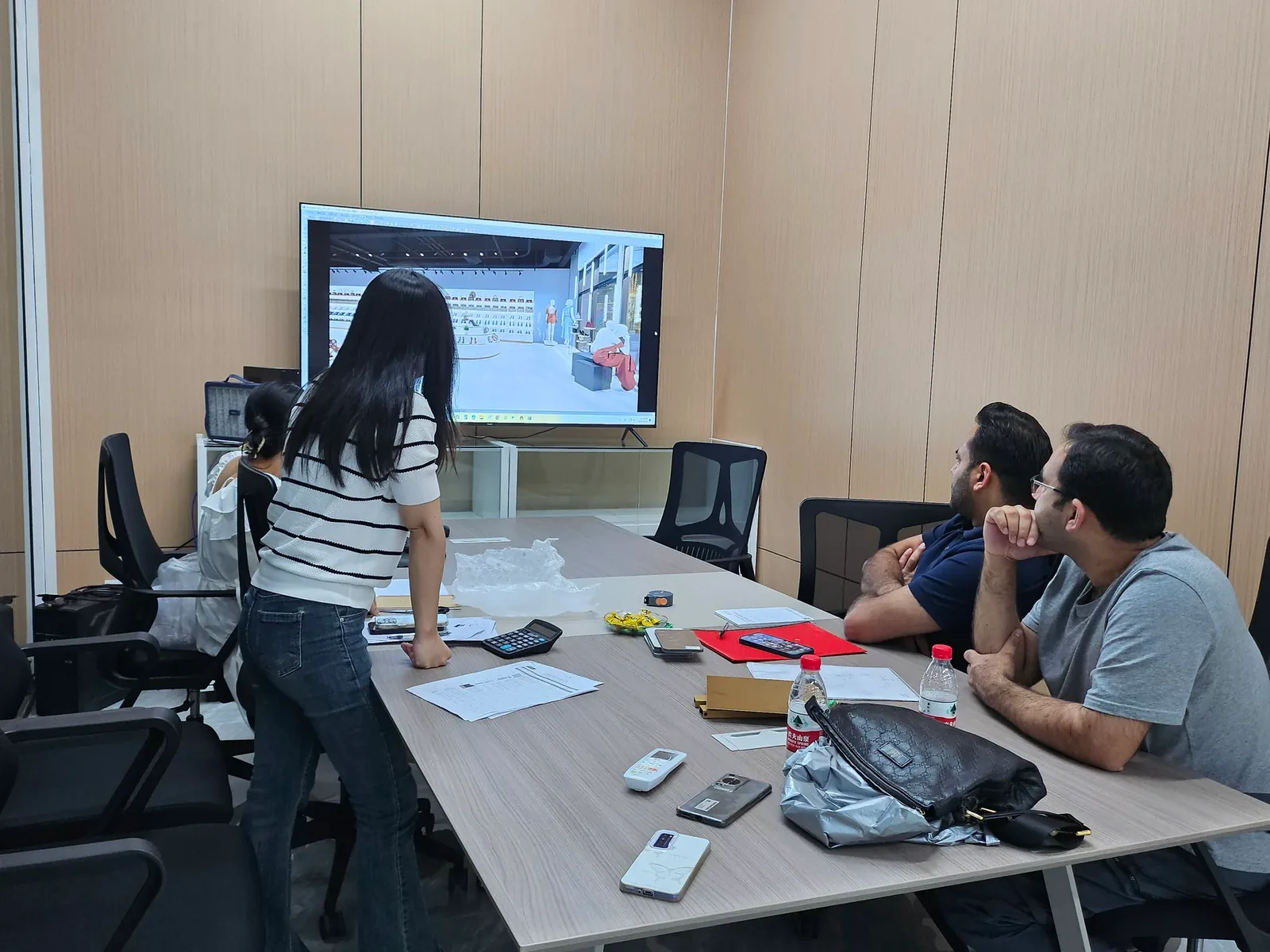
Building an Assortment Change Calendar into Store Planning
An assortment change calendar connects the merchandise programme with the physical adjustments a store will need to make.
- Published
- 2026-09-08
- Updated
- 2026-09-08
- Reading time
- 8 minutes
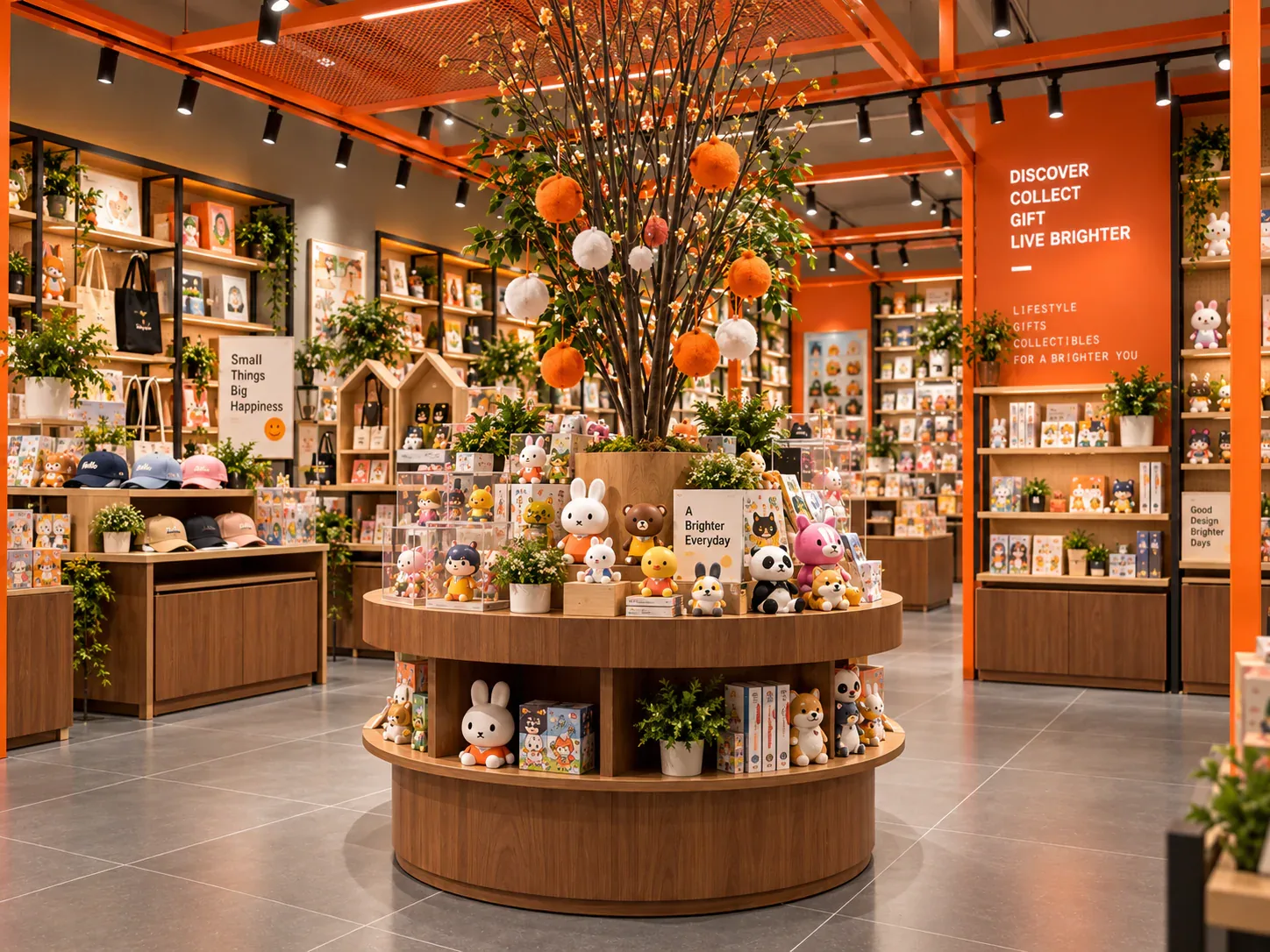
An assortment change calendar connects the merchandise programme with the physical adjustments a store will need to make. It records when product families, packaging, samples, graphics and display priorities are expected to change, then identifies the fixtures affected by those changes.
Three decisions to carry into your project.
- 01
Start with kinds of change rather than a list of dates
- 02
Connect merchandise changes to physical tasks
- 03
Identify stable elements worth preserving
Start with the decision
An assortment change calendar connects the merchandise programme with the physical adjustments a store will need to make. It records when product families, packaging, samples, graphics and display priorities are expected to change, then identifies the fixtures affected by those changes. For a designer toy retailer, this can be more useful than asking for a universally flexible store without explaining what flexibility is meant to accommodate.
The calendar is not a forecast that every release will happen on its original date. It is a planning tool for distinguishing stable requirements from predictable change and genuine uncertainty. Use it before fixture design to identify adjustable interfaces, replaceable surfaces and operating tasks. Use a revised version later to decide whether an actual assortment change remains within the approved capabilities of the installed system.
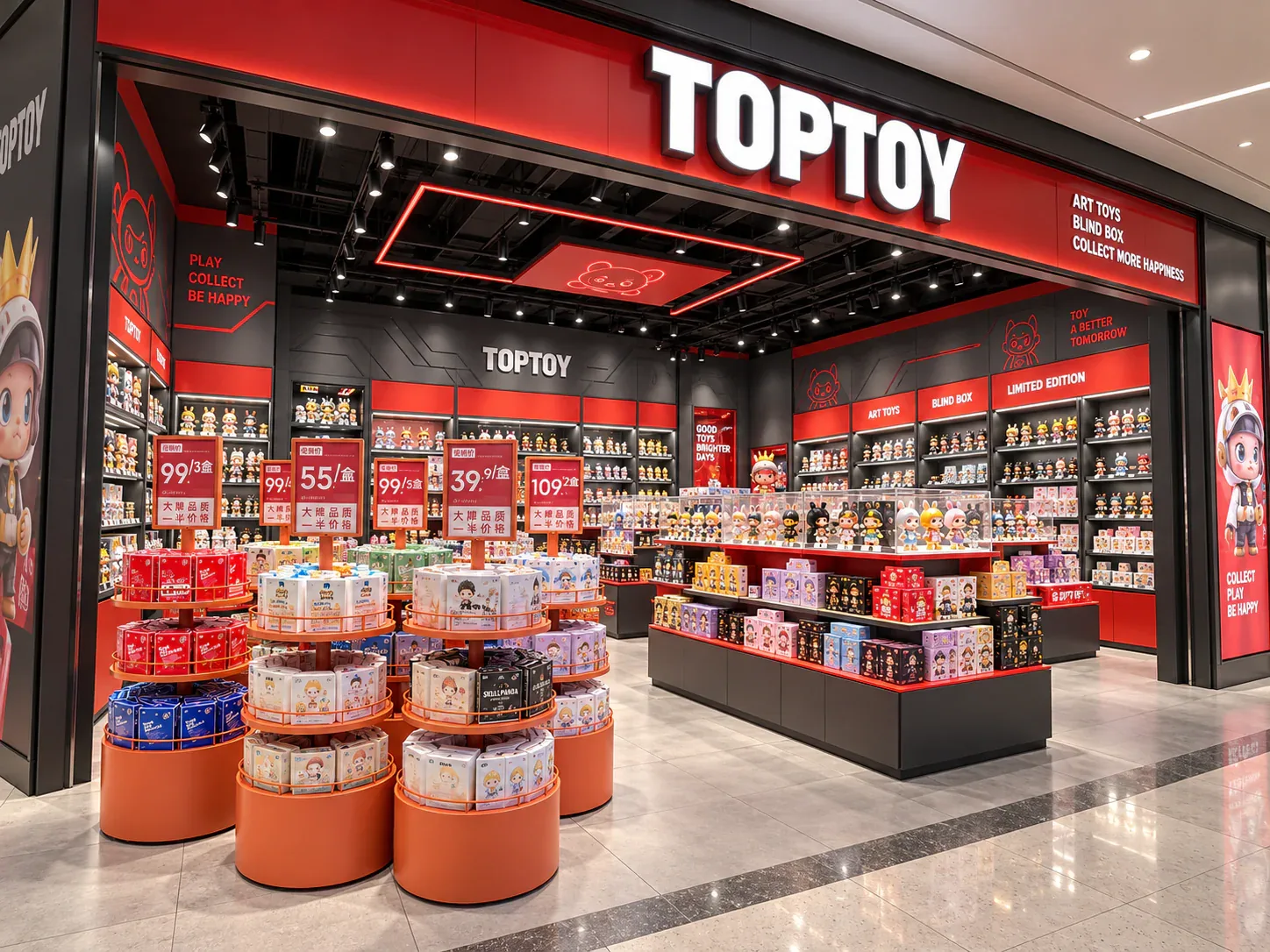
Start with kinds of change rather than a list of dates
Merchandise can change in several ways. A new series may use the same package dimensions but need different identification. Another may keep the same brand graphics while introducing taller boxes. A limited collectible may require a temporary feature position, and a seasonal range may change the amount of storage needed. Each creates a different physical task.
Classify these changes before placing them on a calendar. Useful categories include product identity, package geometry, display sample, presentation quantity, graphic message, access method and special activity. The categories are not mandatory labels; adapt them to the business. Their purpose is to stop every new launch from being described as if it requires a complete fixture redesign.
Record which changes are known and which are only possible. A confirmed graphic update can be planned differently from an unannounced product format. For uncertain items, define what information would be needed and when it must be available. The calendar should expose uncertainty rather than turning speculative releases into firm construction requirements.
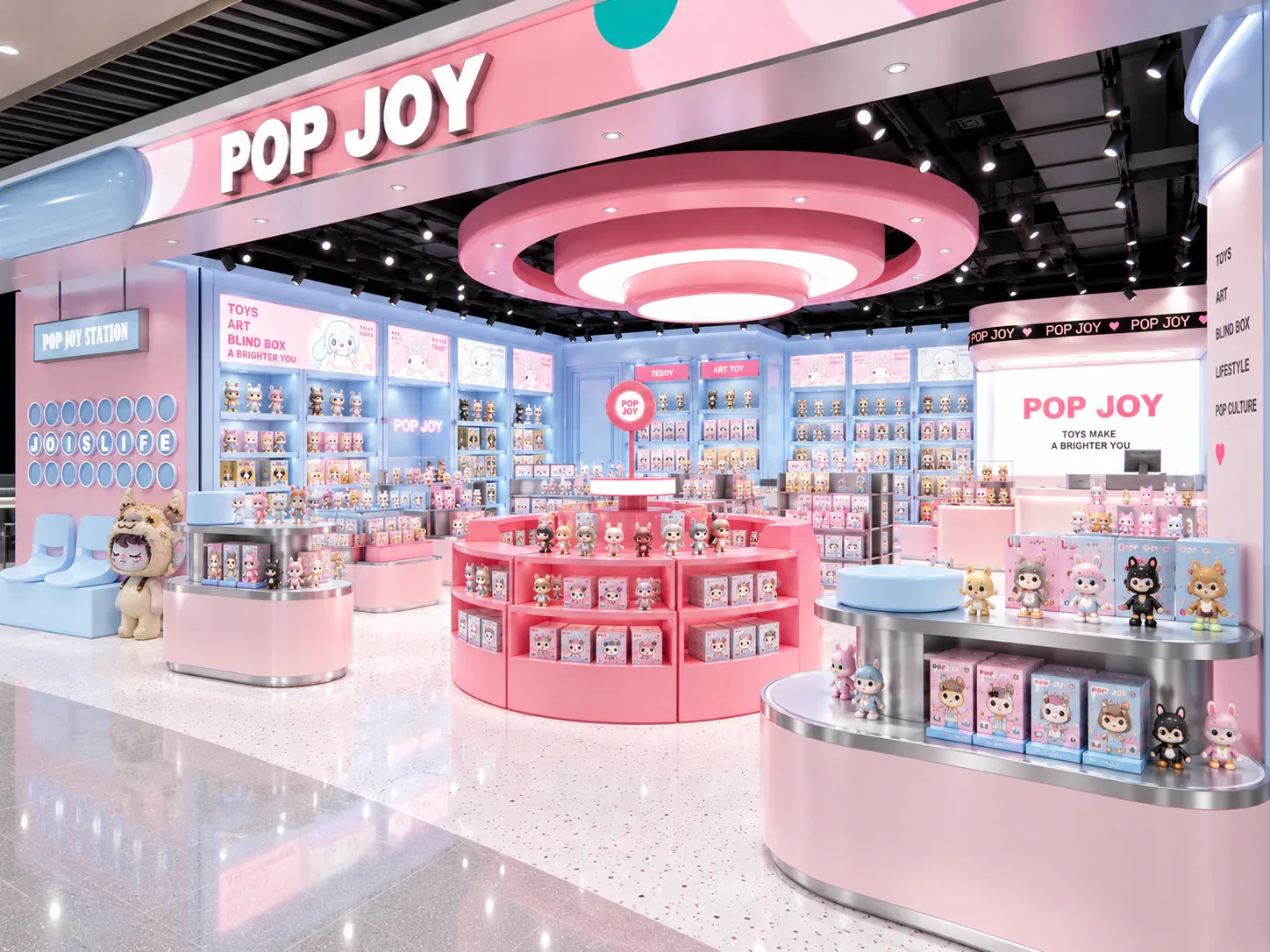
Connect merchandise changes to physical tasks
For each event, write the work someone will need to perform. Replacing a price label, moving a shelf, changing a background panel, relocating a feature unit and removing a protected sample are different operations. Naming the task makes it possible to assess access, tools, staffing and the effect on nearby merchandise.
Avoid relying on vague notes such as update display or refresh store. A designer cannot tell whether those phrases require adjustable supports, a removable panel or simply a new arrangement of existing products. Describe what changes, what stays in place, and who is expected to do the work. A task intended for ordinary store staff should not silently depend on a specialist installer.
Include preparatory work and the transition period. New graphics may need to be checked before the old version is removed. Merchandise may need a temporary holding area while a shelf is repositioned. Packaging from removed samples may need a designated location. These tasks can be modest, but ignoring them makes an apparently simple change harder to execute in an operating store.
Identify stable elements worth preserving
Most stores contain both long-lived and short-lived elements. The structural arrangement and major service interfaces may remain stable, while campaign messages and selected merchandising positions change more often. State which elements the business expects to retain. This helps the designer place adaptability where it has an identifiable use.
Do not assume that every element needs the same degree of changeability. A permanent brand sign may not need the same replacement method as a launch panel. A showcase for a consistent size range may not need the full adjustment range of mixed boxed merchandise. The calendar creates a reason for those distinctions instead of making maximum adjustment a default requirement everywhere.
It can also reveal when a dedicated fixture is appropriate. If a repeated activity needs a stable location and a consistent interface, a well-defined permanent arrangement may be simpler than repeated improvisation. Flexibility includes the ability to keep reliable elements unchanged while updating the parts that actually need to move.
Build the calendar with information deadlines
Use a record that includes the event, affected merchandise, expected date or period, physical change, information required, responsible person and confirmation status. Add an information deadline separate from the public launch date. The project team needs packaging dimensions or final artwork before the moment the new merchandise is expected to appear in the store.
For a first store, the calendar may cover a small number of likely changes rather than a detailed year of releases. That is acceptable if the assumptions are clear. Identify a representative ordinary update and a demanding update, then use them to test the proposed fixture system. Do not fill empty months with invented launches merely to make the document look complete.
For an established retailer, use actual change records where available. Ask employees what was physically adjusted and what proved inconvenient. The aim is not to infer a universal release pattern from one season. It is to identify recurring tasks and the inputs the new fixture programme should accommodate.
See the decision table below for the working record.
Compare two fixture responses to the same calendar
Take one recurring task and compare candidate solutions. If the calendar shows frequent graphic replacement but little change in merchandise dimensions, the priority may be a practical graphic interface rather than a highly adjustable cabinet structure. If packaging varies often, shelf positions and usable space may deserve more attention than an elaborate removable exterior.
Evaluate the change operation, not just the range of possible final appearances. Ask how a part is removed, where it is stored and how the replacement is identified. Consider whether the task interrupts selling or requires an additional person. These questions reveal the real meaning of adaptability without assigning unverified time savings or labour costs to a proposal.
Document the limits of each option. An adjustable shelf may still have defined loading and positioning conditions. A replaceable panel may support only certain material or thickness choices. Confirm those limits with the supplier and preserve them in the operating information. The word adjustable should never be treated as permission to alter a fixture in any way the staff can imagine.
A hypothetical release sequence
Imagine a toy shop expecting three different updates. The first replaces a blind box series with new artwork but unchanged package dimensions. The second adds a larger collector edition. The third creates a temporary focal point for an in-store release event. These events and their sequence are fictional examples intended to explain the planning method.
For the first update, the calendar identifies label and campaign graphic replacement as the main work. It does not call for new shelving. For the larger collector edition, the missing information is the final presentation-box size and the desired selling method. That becomes a defined confirmation task before the store commits a particular bay to the product.
For the event, the calendar states which feature unit may move, where its usual merchandise will go and which service functions must remain available. The designer can test that scenario on the plan. If the proposed move blocks an important operation, the team changes the event arrangement instead of discovering the conflict on launch day.
These three updates suggest three different design responses: a clear graphic replacement interface, a reserved dimensional review and a tested temporary arrangement. They do not prove that the entire store needs one complex modular solution. The calendar makes the relationship between change and construction more precise.
Plan the handover from launch information to store staff
Identify how approved information reaches the person who changes the display. A final artwork file should correspond to the intended panel, and a merchandising instruction should identify the location it affects. Avoid distributing a new graphic without indicating which previous version it replaces. Version confusion can persist even when the physical replacement mechanism works well.
Where an update changes fixture positions or components, include the relevant operating instructions. Staff should know which adjustments are permitted and which require another review. If a replacement involves electrical, structural or specialist work, arrange the appropriate qualified support rather than presenting it as an ordinary merchandising task.
Record completion in a proportionate way. A photograph and a location reference may be sufficient for a simple approved graphic change, while a more substantial adjustment may need additional checks. The record should confirm that the intended configuration is in place, not merely that someone received the instruction.
Review the assumptions after real changes occur
Compare actual updates with the calendar used during design. Did the merchandise arrive in the expected format? Did staff have the necessary information? Was temporary stock storage available? Did the replacement part fit the approved interface? These observations identify which assumptions were sound and which should be changed before the next update.
Avoid measuring success only by whether the new display looks finished. An update that repeatedly requires unplanned handling, improvised labelling or unrelated dismantling may reveal a design or information problem. Record the specific task and location so that the next solution addresses the cause rather than adding more general flexibility to the brief.
The calendar can accompany a proposal for modular retail displays or wall-mounted display systems. It gives the supplier concrete examples of what will change and what must remain reliable. More importantly, it gives the retailer a way to keep design assumptions connected to the evolving merchandise programme after the store opens.
Compare one controlled basis.
How we apply this decision.
Compare actual updates with the calendar used during design. Did the merchandise arrive in the expected format? Did staff have the necessary information? Was temporary stock storage available? Did the replacement part fit the approved interface? These observations identify which assumptions were sound and which should be changed before the next update.
Review BENSON capabilities →What still needs project confirmation.
Use the actual site, merchandise and supplier information to confirm the project-specific arrangement. Illustrative examples do not establish technical suitability.
Prepare the required inputs →Avoid these shortcuts.
- Treating a reference image as an approved production specification.
- Comparing suppliers without identical dimensions, quantities and delivery scope.
- Separating material, lighting or hardware decisions from the drawing revision.
- Leaving packing, local installation and site interfaces undefined.
Before the next approval.
- Start with kinds of change rather than a list of dates
- Connect merchandise changes to physical tasks
- Identify stable elements worth preserving
- Record each open point, owner, due date and required evidence.
Trace the supporting information.
Content review policyUpdated 2026-09-08. AI-assisted buyer guidance; no independent technical review is claimed.
Move from research to a project decision.
Keep building the specification.
Adapting a Fixture Layout to a Narrow Retail Unit
A narrow retail unit needs a layout that makes its length useful without treating the remaining space between fixtures as an afterthought. The buyer must consider how products are presented, where customers pause, how staff move stock and how the store's destinations become understandable.
Read next →
Assigning Decision Owners in a Custom Store Fixture Project
A custom store fixture project involves decisions about merchandise, appearance, dimensions, materials, price, site interfaces and delivery. These decisions are connected, but they do not necessarily belong to the same person.
Read next →Balancing Browsing Space and Display Density in a Small Toy Store
A small toy store needs enough merchandise on display to communicate its offer, but adding more visible stock is not automatically a better use of the floor. Customers still need to identify products, inspect details and make selections, while staff need to replenish and assist.
Read next →Get a project-specific recommendation.
Send your store plan, product sizes, fixture quantities, destination and opening target. BENSON will identify the product fit, engineering inputs and quotation basis.
Start Your Display Project